
If your saved recipes seem to have vanished, don't worry — they're most likely still safe. Recipe Notes will never delete any of your data — your recipes are always safe with us. Here's how to recover them.
Why Did My Recipes Disappear?
The most common reason is a change in your login method. Recipe Notes supports Google Sign-In, Apple Sign-In, and email login — each one creates a separate account. If you originally signed in with Google but later used Apple Sign-In (or vice versa), you'll be logged into a different account, making it look like your recipes have disappeared.
How to Fix It
- Open Recipe Notes and go to Settings
- Tap Sign Out (on the web and Android, tap your profile at the top of Settings first — Sign Out is at the bottom of that page)
- Sign back in using your original login method (Google, Apple, or email)
- Your recipes should reappear
Not Sure Which Login Method You Used Originally?
Try each one! Sign out first, then try Google Sign-In. If your recipes aren't there, sign out again and try Apple Sign-In or email login. Your recipes will be in whichever account you originally used.
Still Can't Find Your Recipes?
If you've tried all login methods and your recipes are still missing:
- Try fully closing the app (swipe up to dismiss), then reopen it
- Make sure you have a stable internet connection
- Contact us at [email protected] — please include the email address you used to sign up or any recipes you remember saving, and we'll help you right away
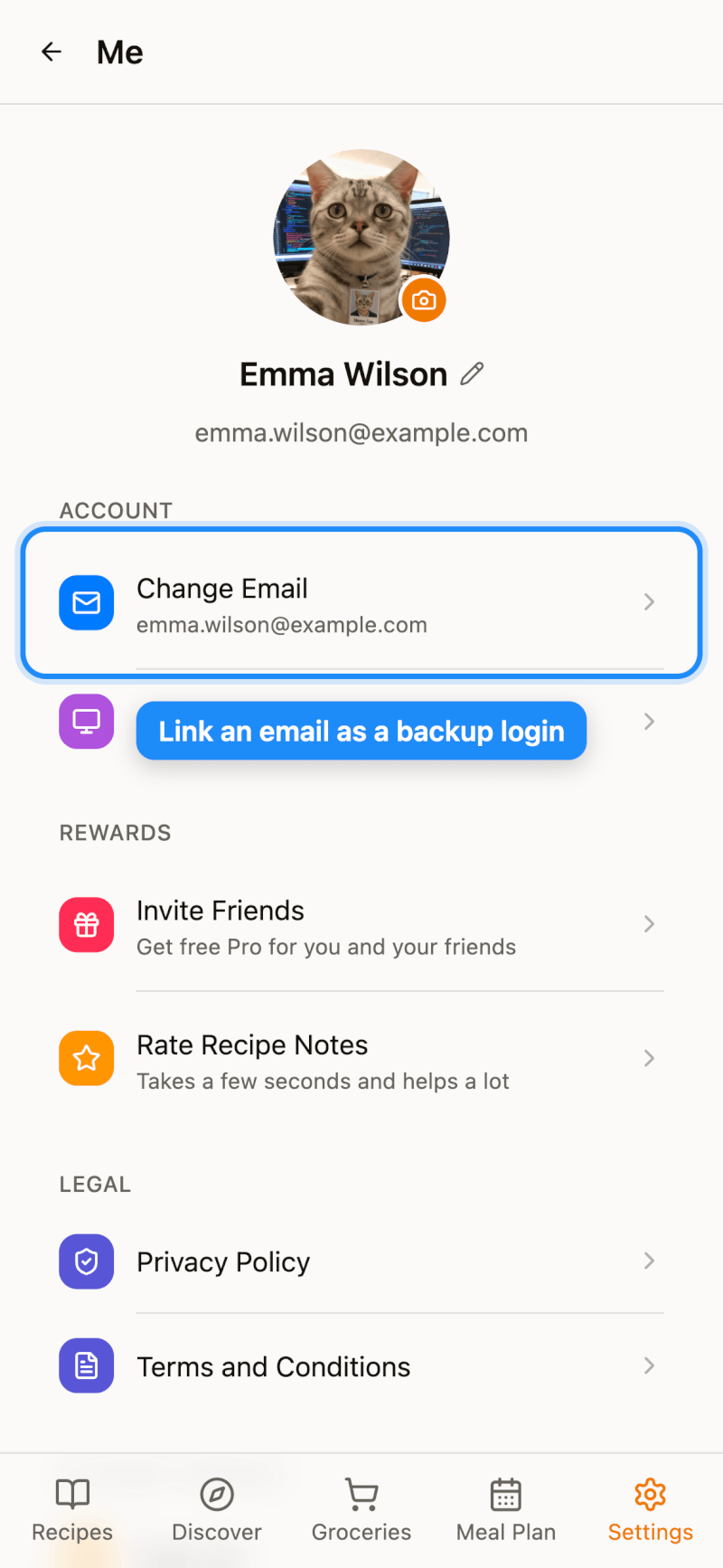
Tip: Link an Email as a Backup Login
If you signed in with Google or Apple, you can link an email address as a secondary login method.
Go to Settings and tap your profile at the top of the page to open Me. Then tap Link Email (if you already have an email on file, this shows as Change Email).
If the email is already associated with an existing Recipe Notes account, you'll be prompted to merge the data. For this reason, we strongly recommend using an email address that hasn't been registered with Recipe Notes before.