
Cooking late or reading in a dim kitchen? Recipe Notes comes in a light and a dark look, and it can switch automatically with your device.
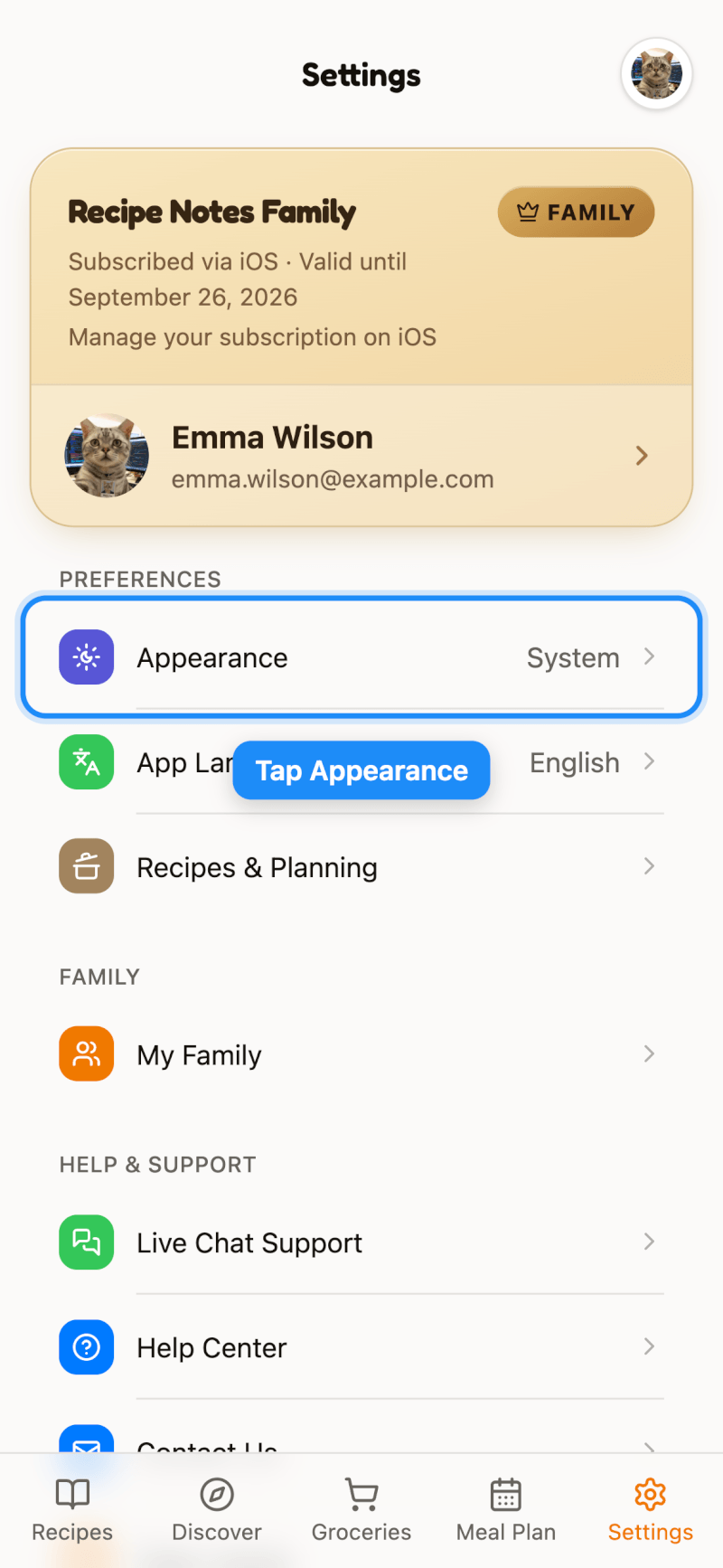
Step 1: Open Appearance
Go to Settings and tap Appearance.
Step 2: Choose a Look
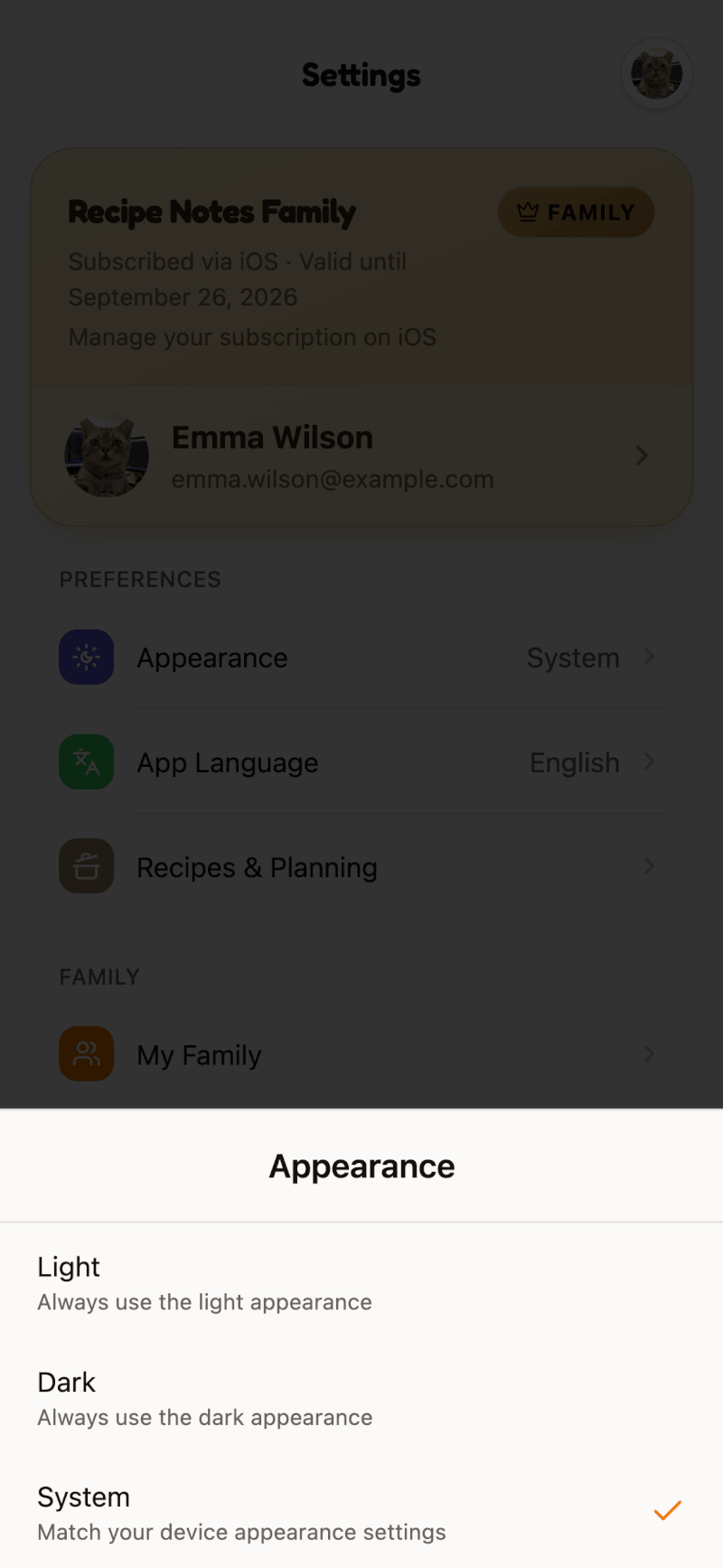
Pick one of three options:
- Light — always use the light appearance
- Dark — always use the dark appearance
- System (Follow System on iPhone and iPad) — match your device's appearance setting, switching automatically if your device changes between light and dark during the day
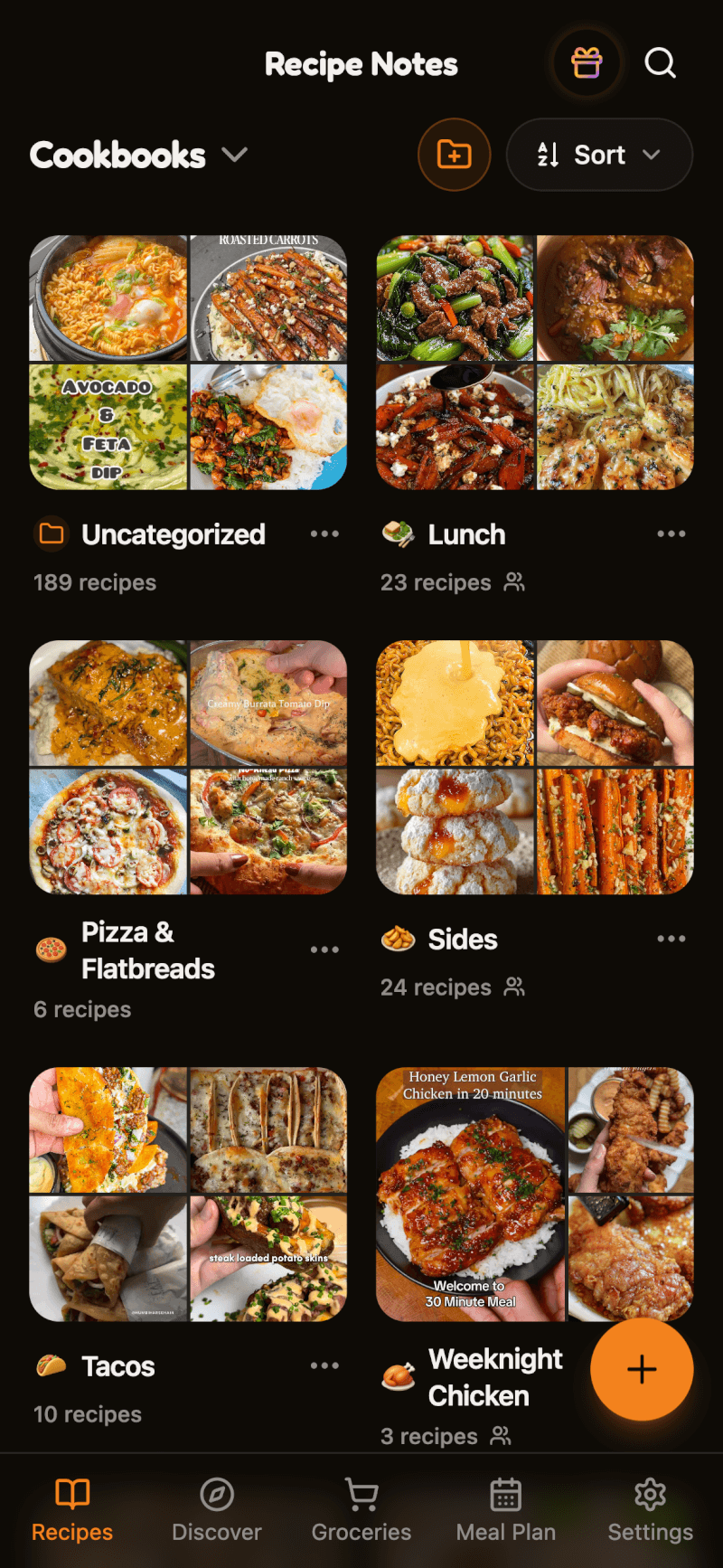
The change applies right away:
Your choice is saved on each device, so you can use dark mode on your phone and light mode on your computer.