
As your collection grows, search is the fastest way to find the recipe you're thinking of — even if you only remember one ingredient.
Step 1: Open Search
On the home screen, tap the magnifying glass in the top-right corner.
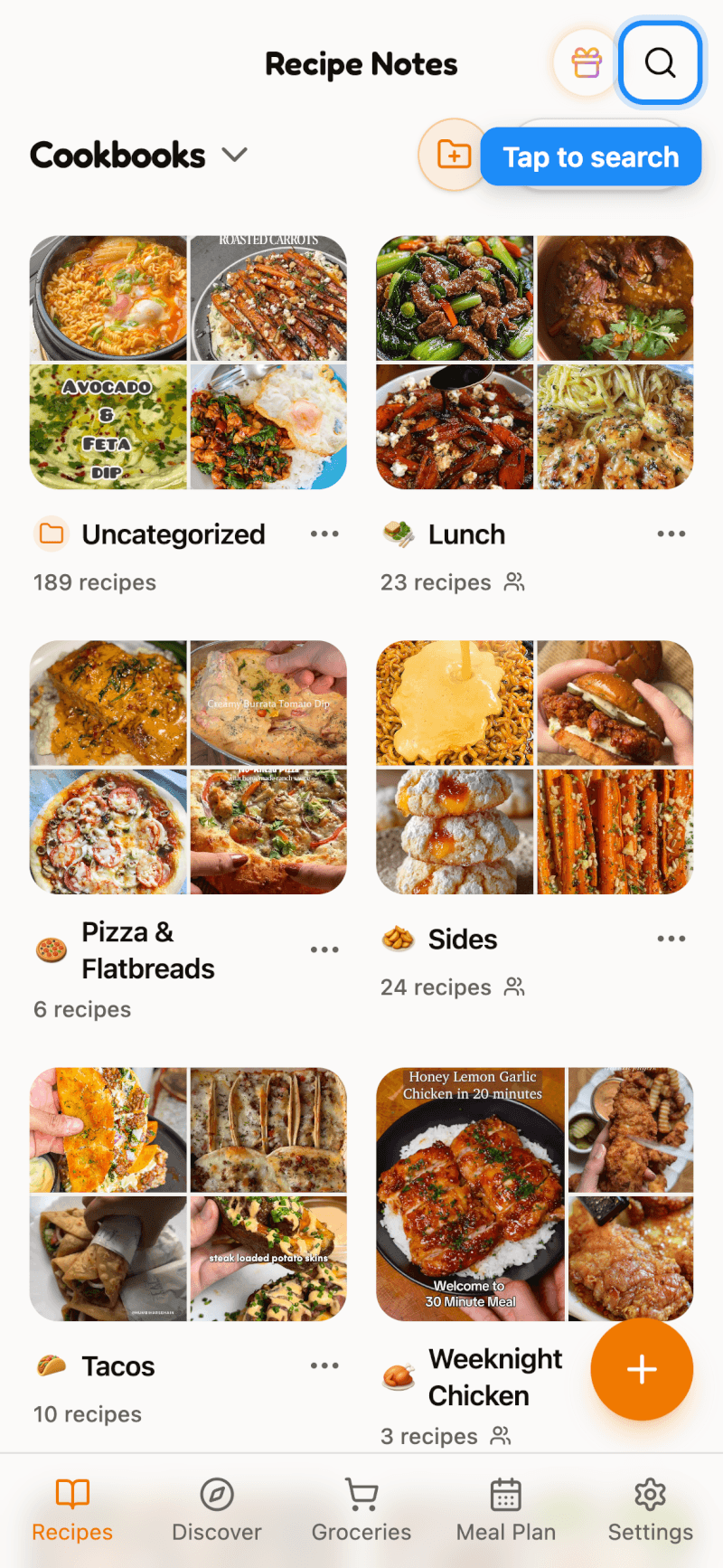
Before you type anything, you'll see your Recently viewed recipes, so it's easy to get back to something you just cooked.
Step 2: Search by Name or Ingredient
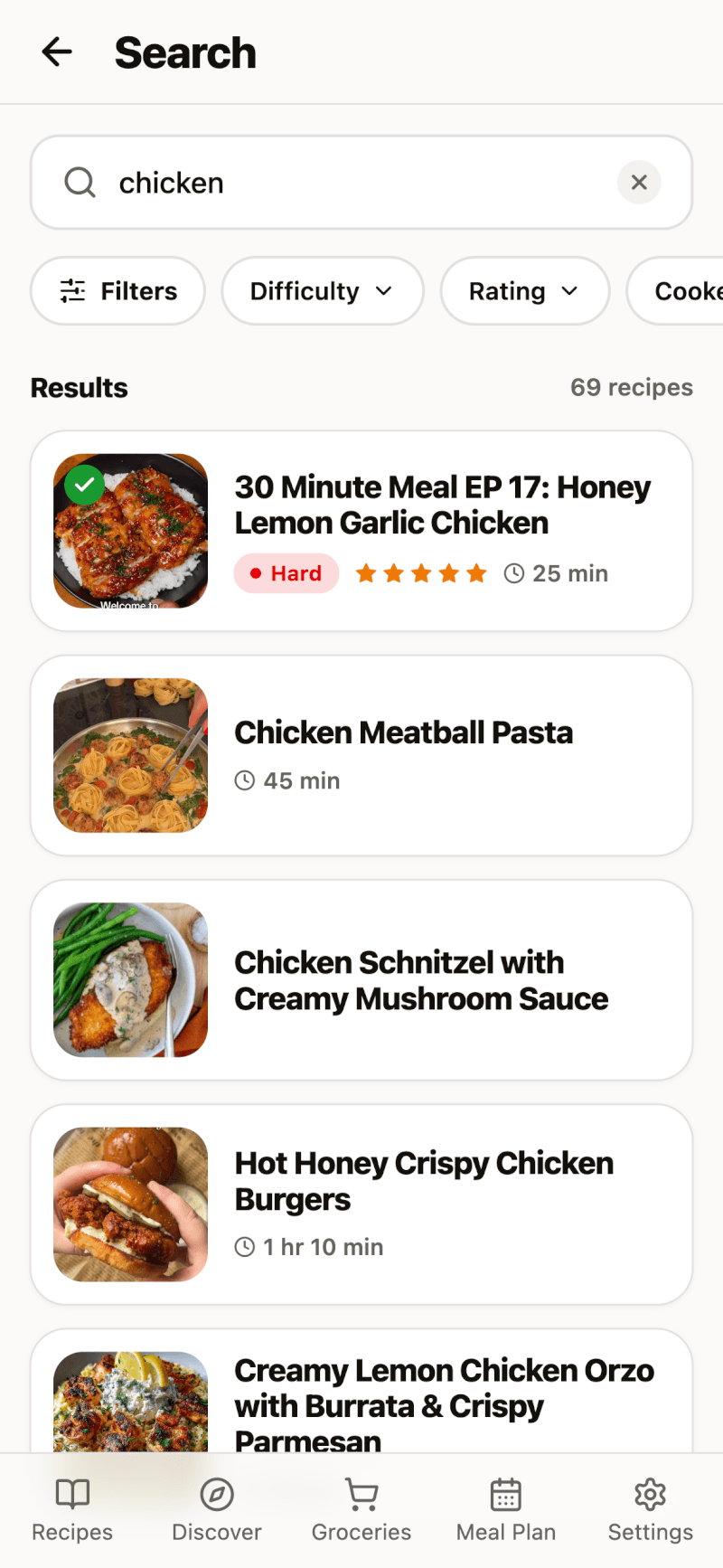
Type a recipe name or an ingredient — for example, "chicken" — and results appear as you type.
Step 3: Narrow Down with Filters
Use the quick filter chips under the search box (like Difficulty and Rating), or tap Filters to see every option at once:
- Cookbook — only show recipes from certain cookbooks
- Cooking difficulty — Easy, Medium, Hard, or Expert
- Minimum rating — only show recipes you've rated highly
- Cooked status — recipes you've cooked, or ones you haven't tried yet
- Tags — recipes with specific tags
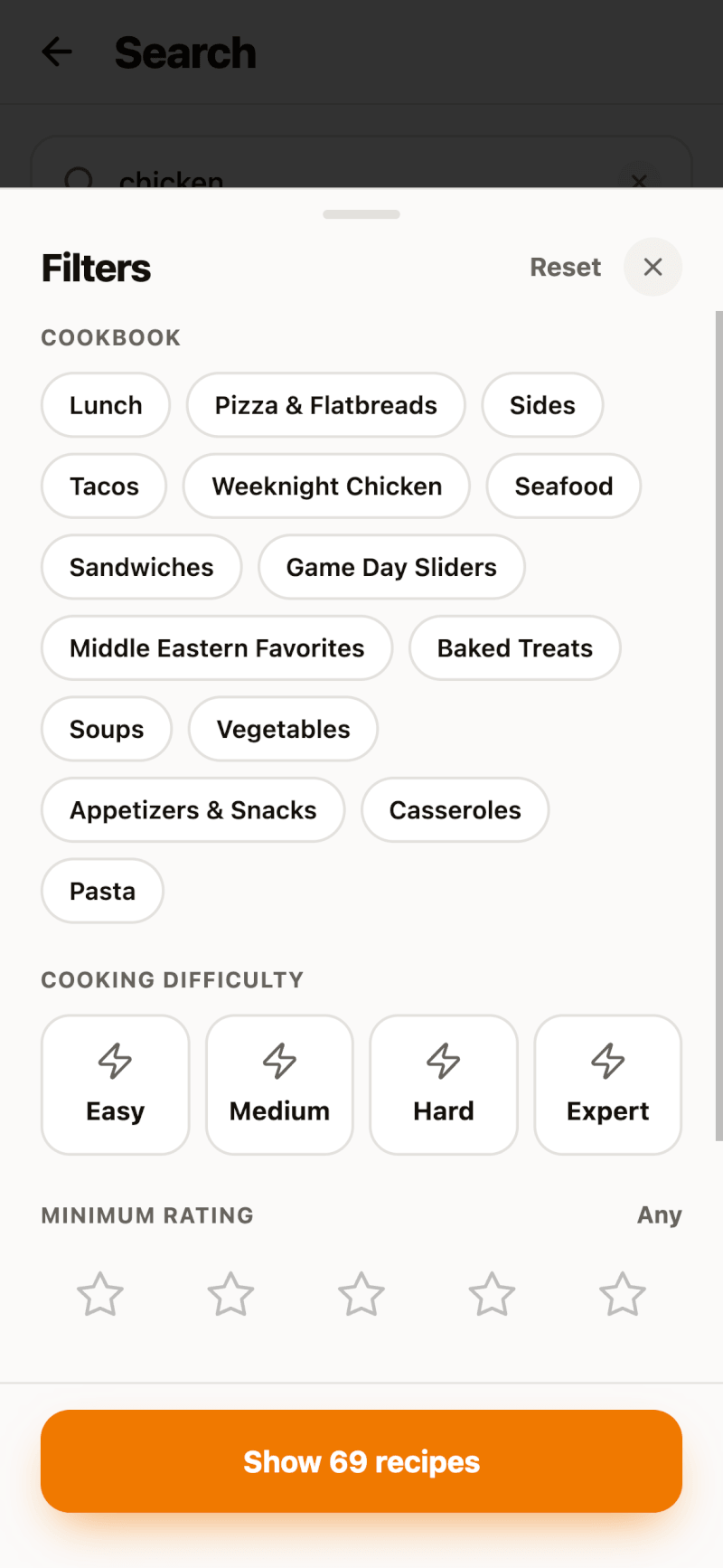
Tap Show recipes to apply your filters, or Reset to clear them.
Tip: Make Your Filters More Useful
Difficulty, ratings, and cooked status come from you. Open a recipe to set its difficulty, then use Your notes to mark it as cooked and give it a star rating. The more you add, the better your filters work.