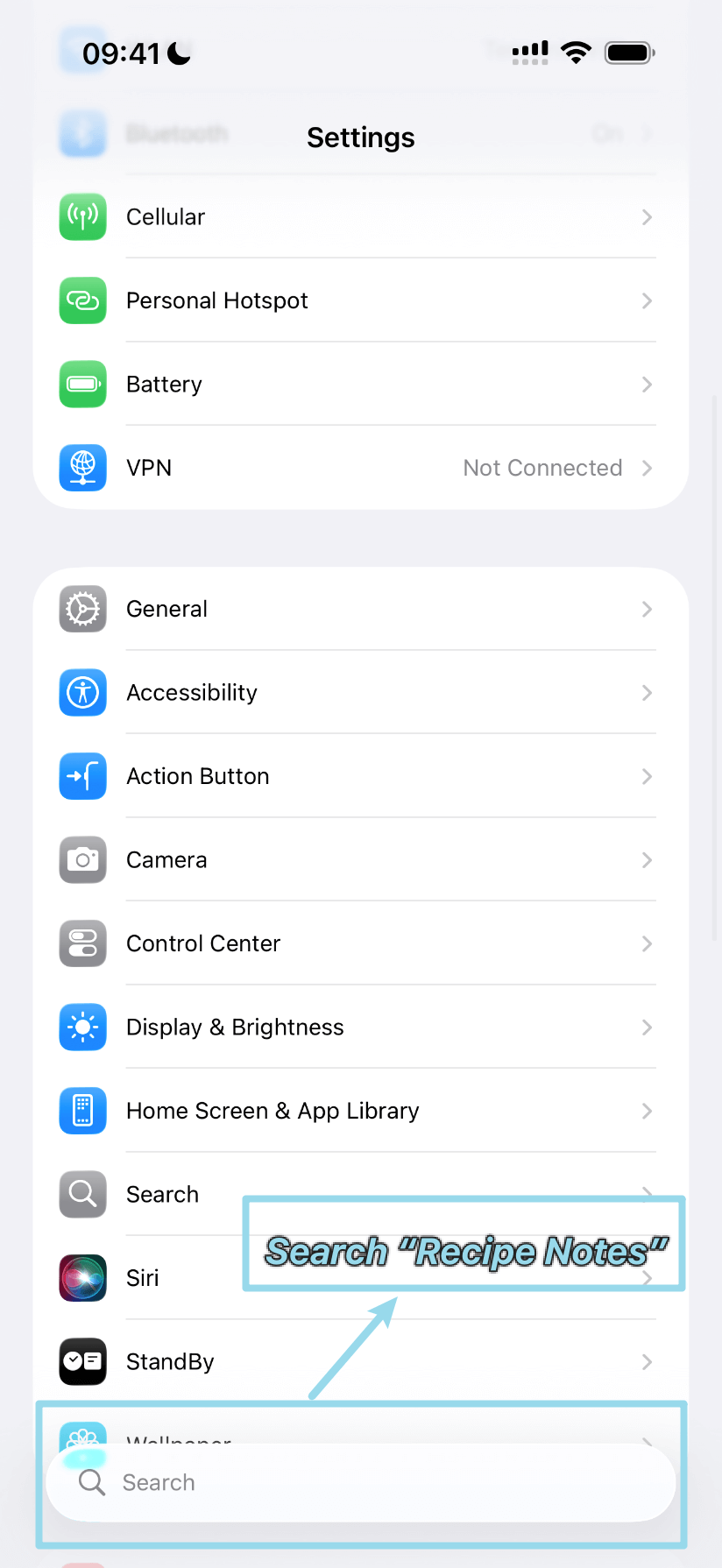
步骤 1:打开 iOS 设置
打开 iOS“设置”App,使用顶部的搜索栏搜索“Recipe Notes”。
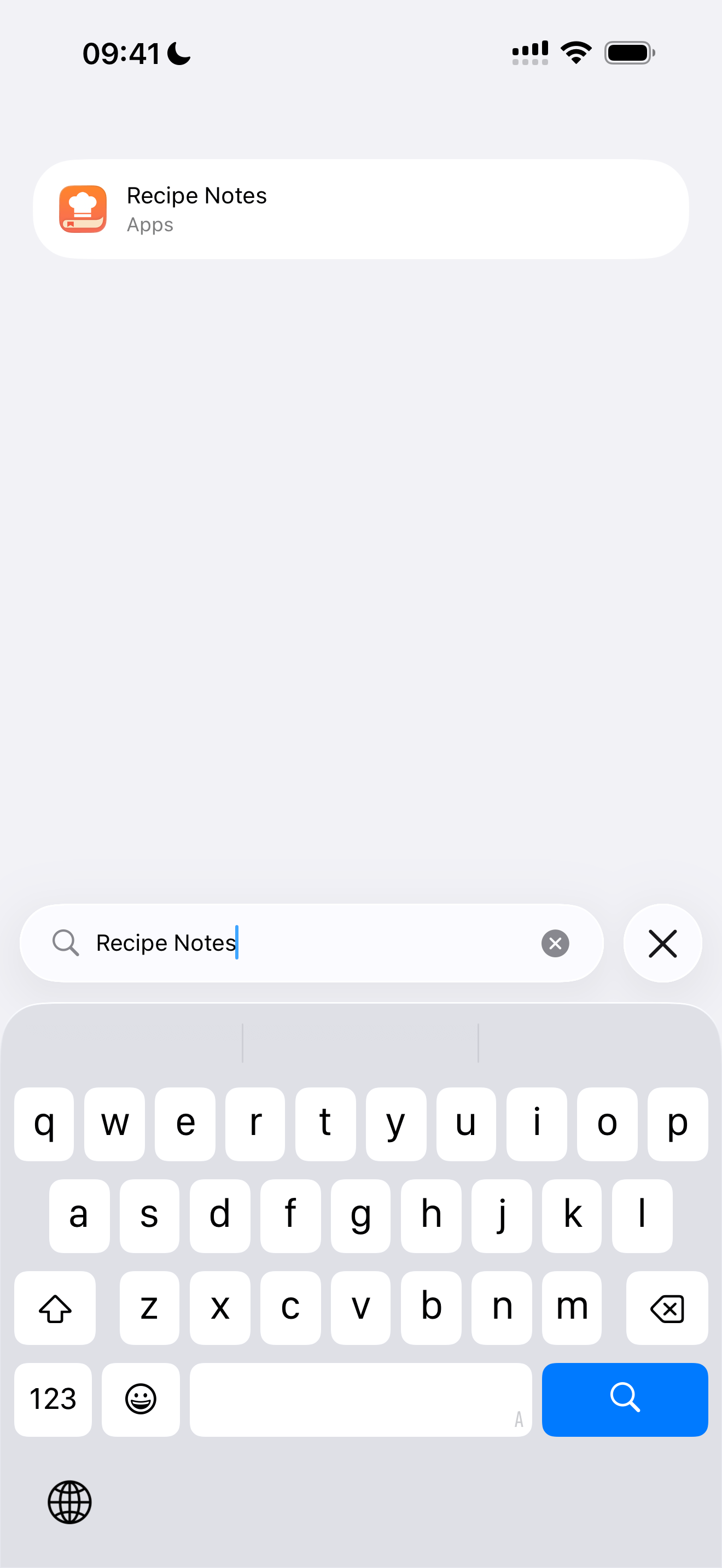
步骤 2:搜索 Recipe Notes
在搜索栏中输入“Recipe Notes”,快速找到该 App 的设置。
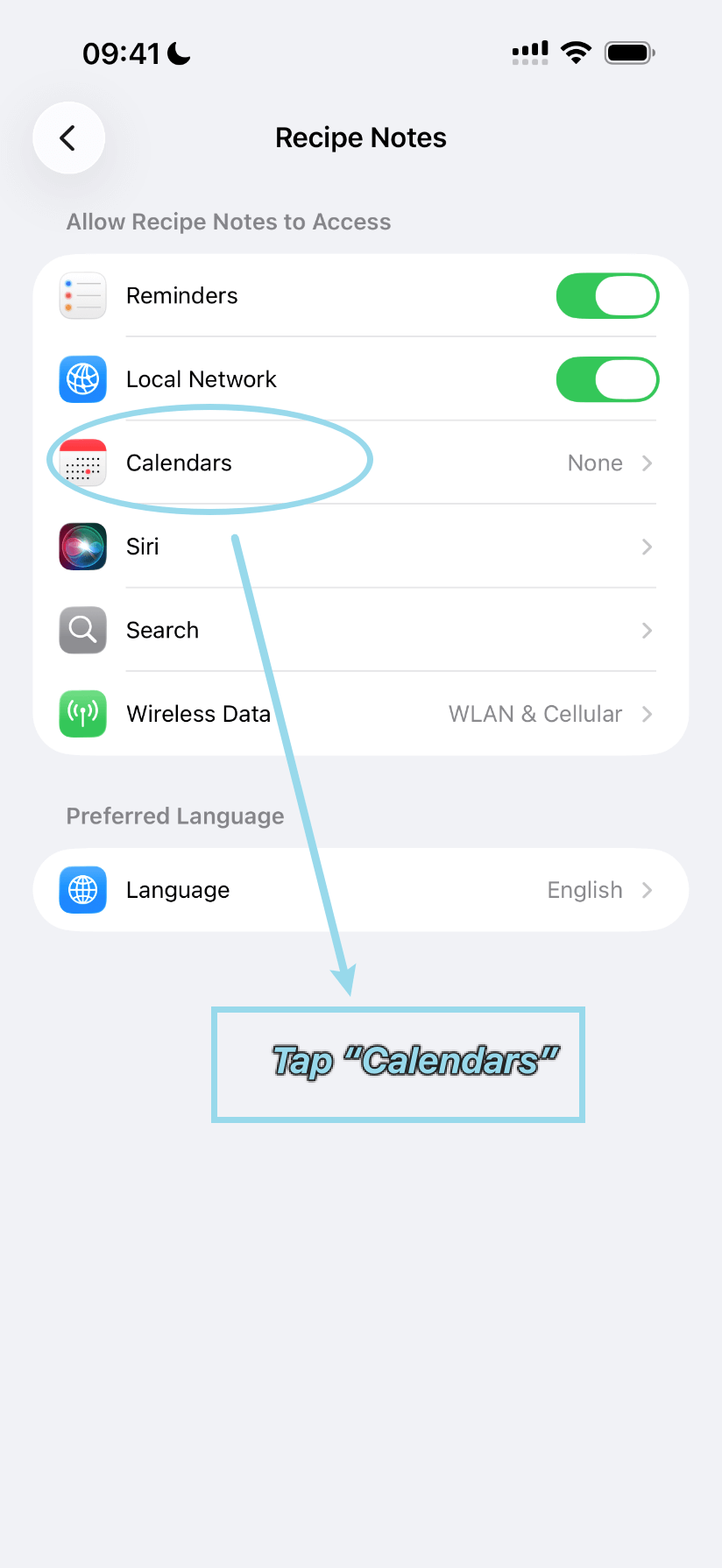
步骤 3:点按“日历”
在 Recipe Notes 的设置中,点按“日历”进入日历权限选项。
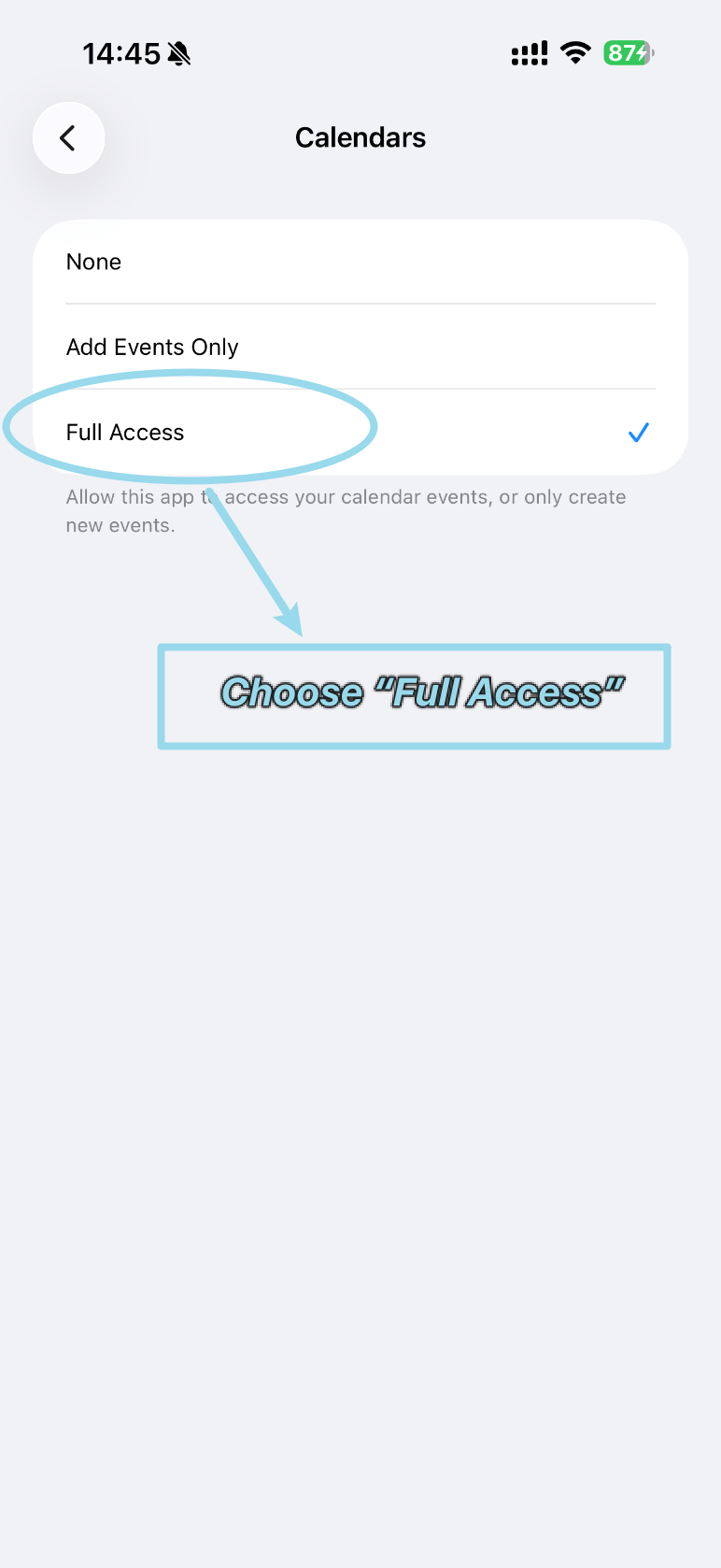
步骤 4:选择“完全访问”
在可用选项中选择“完全访问”,授予 Recipe Notes 完整的日历访问权限。
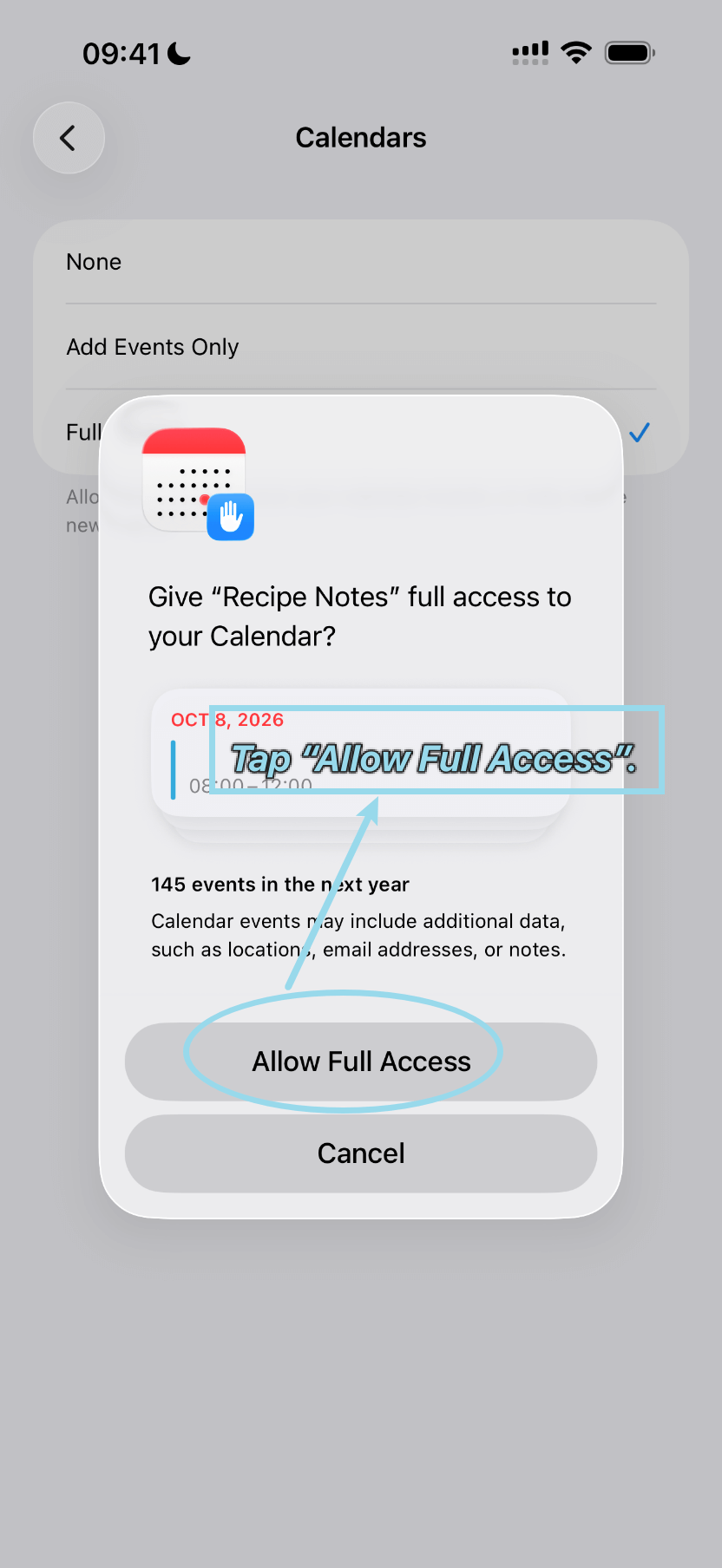
步骤 5:允许完全访问
出现权限对话框时,点按“允许完全访问”确认并完成设置。