
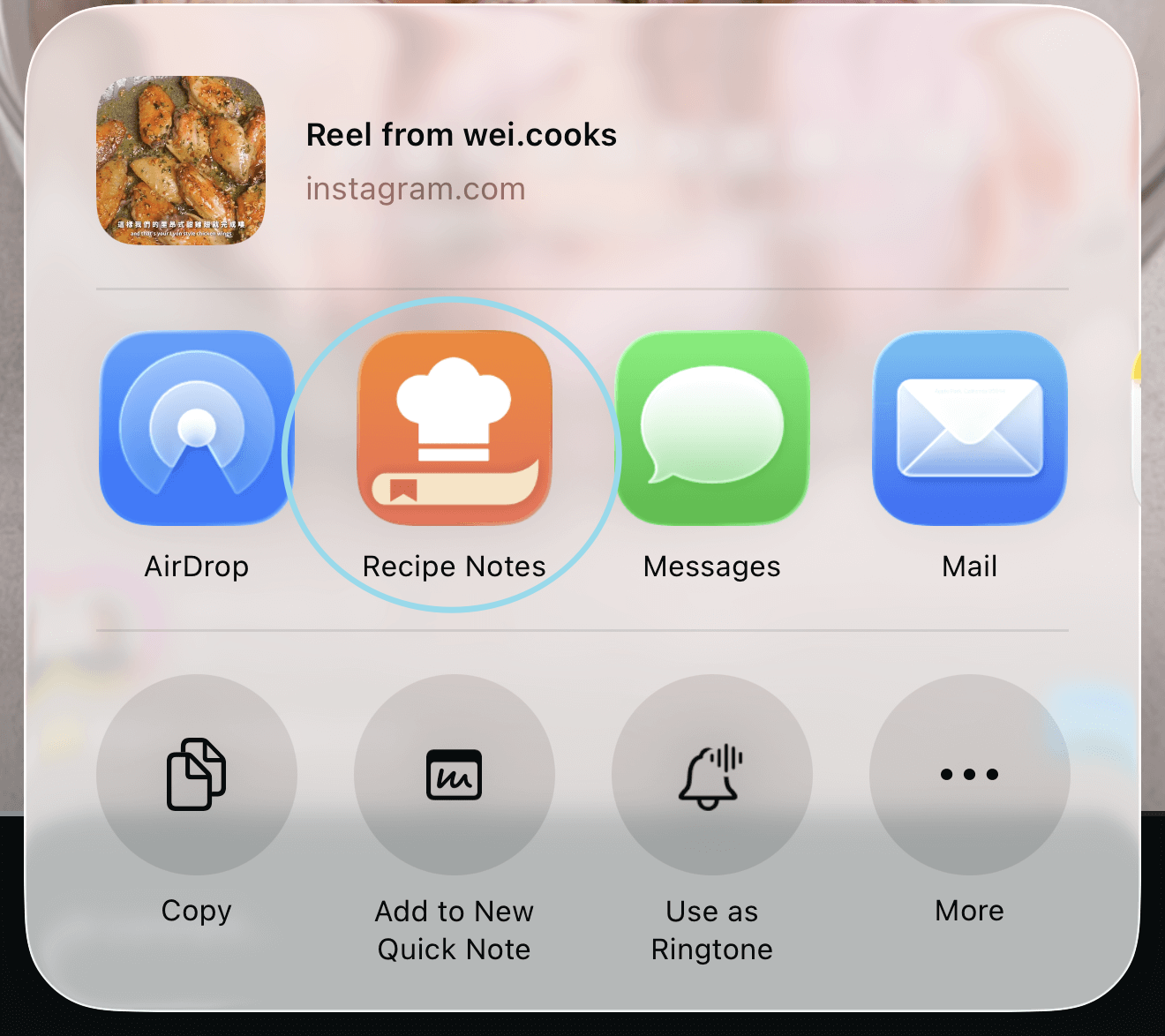
步骤 1:打开任意分享面板
打开任意 App,点按“分享”按钮,调出 iOS 分享面板。
步骤 2:找到更多选项
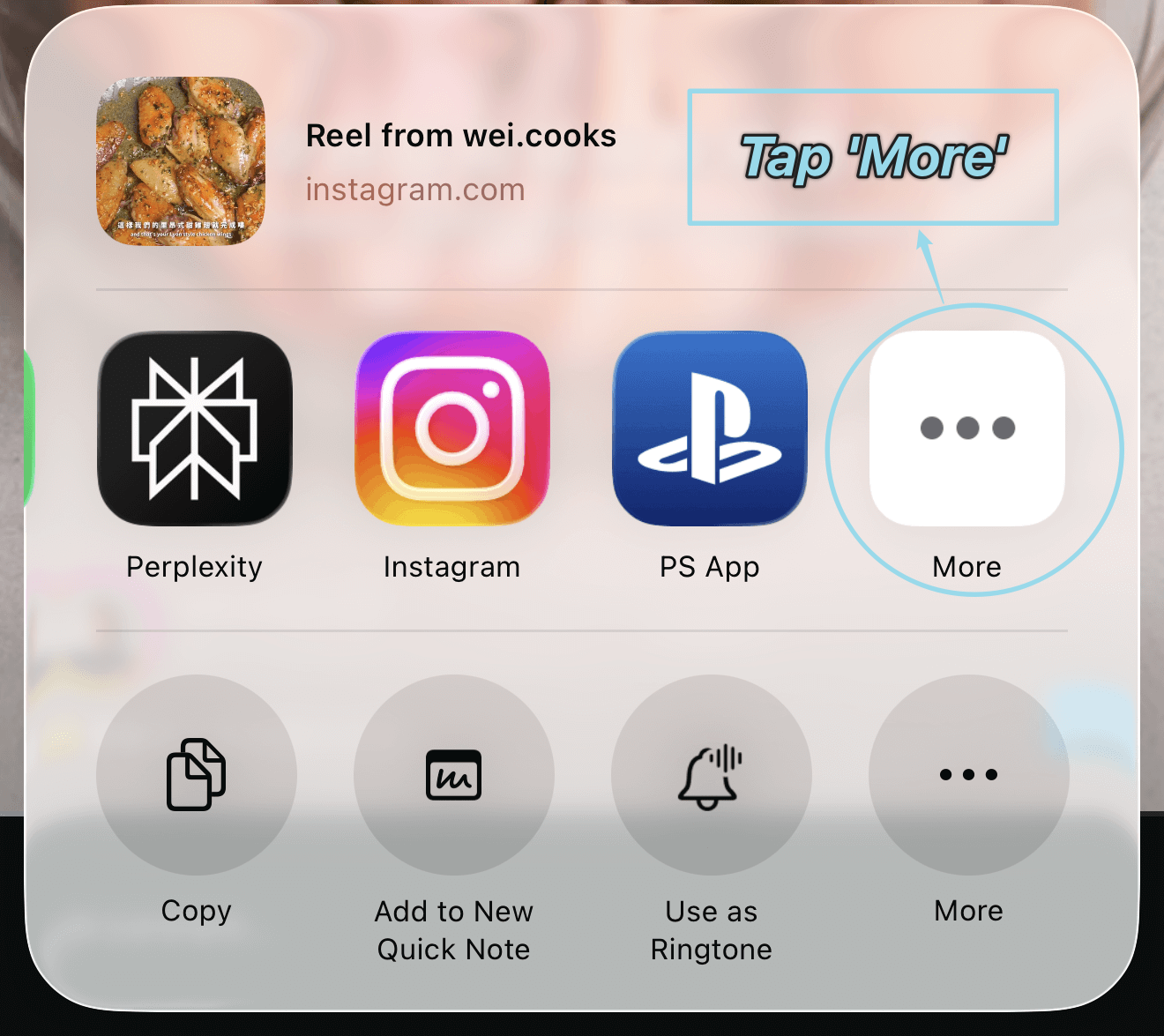
滑到推荐 App 的最后,点按“更多”查看所有可用 App。
步骤 3:编辑快捷方式
点按“编辑”,选择哪些 App 出现在你的个人收藏中。
步骤 4:添加 Recipe Notes
在列表中找到 Recipe Notes,点按“+”或打开开关。如果没看到,请重启你正在分享的 App 后再试。
步骤 5:排序并保存
把 Recipe Notes 拖到顶部方便使用,然后点按“完成”保存更改。