
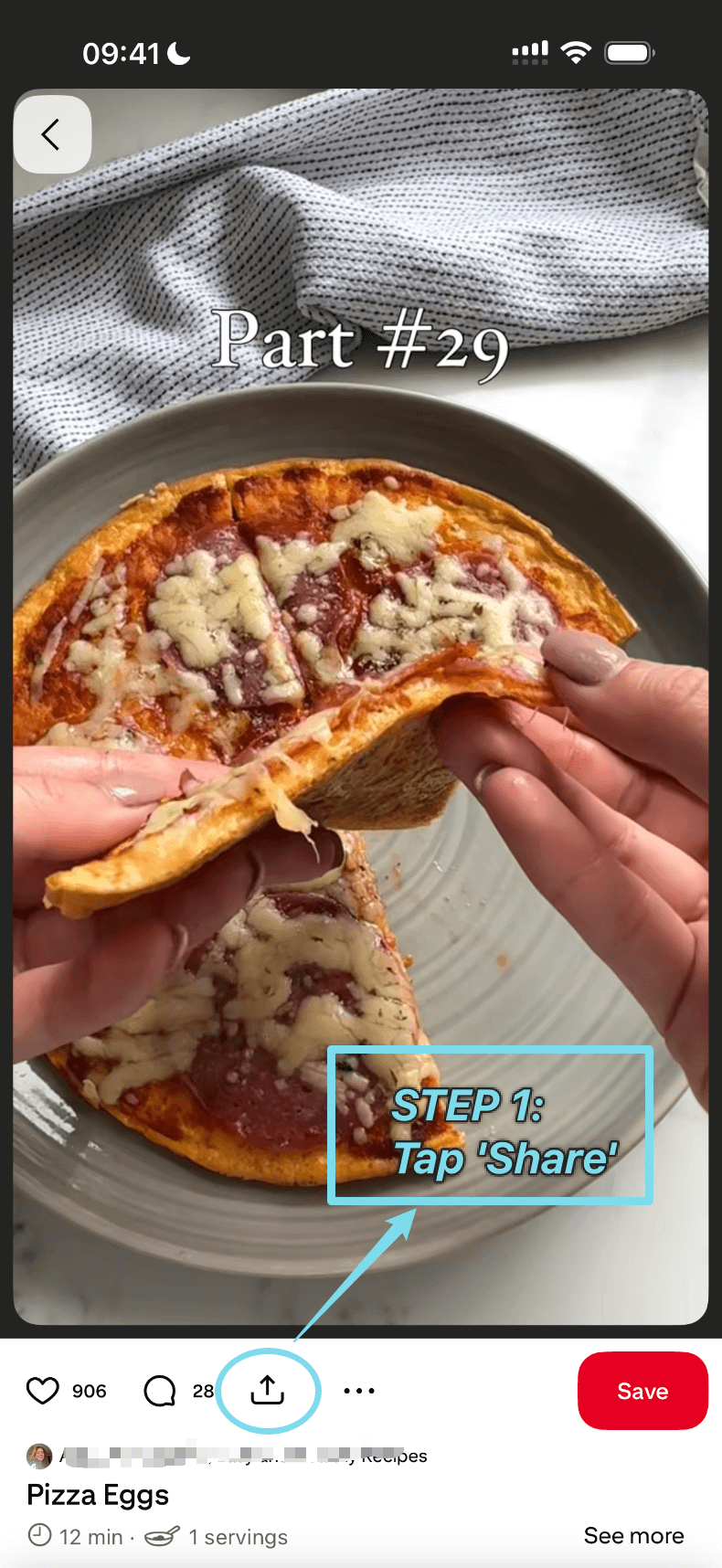
步骤 1:打开分享菜单
打开你想保留的 Pin,点按“分享”图标查看选项。
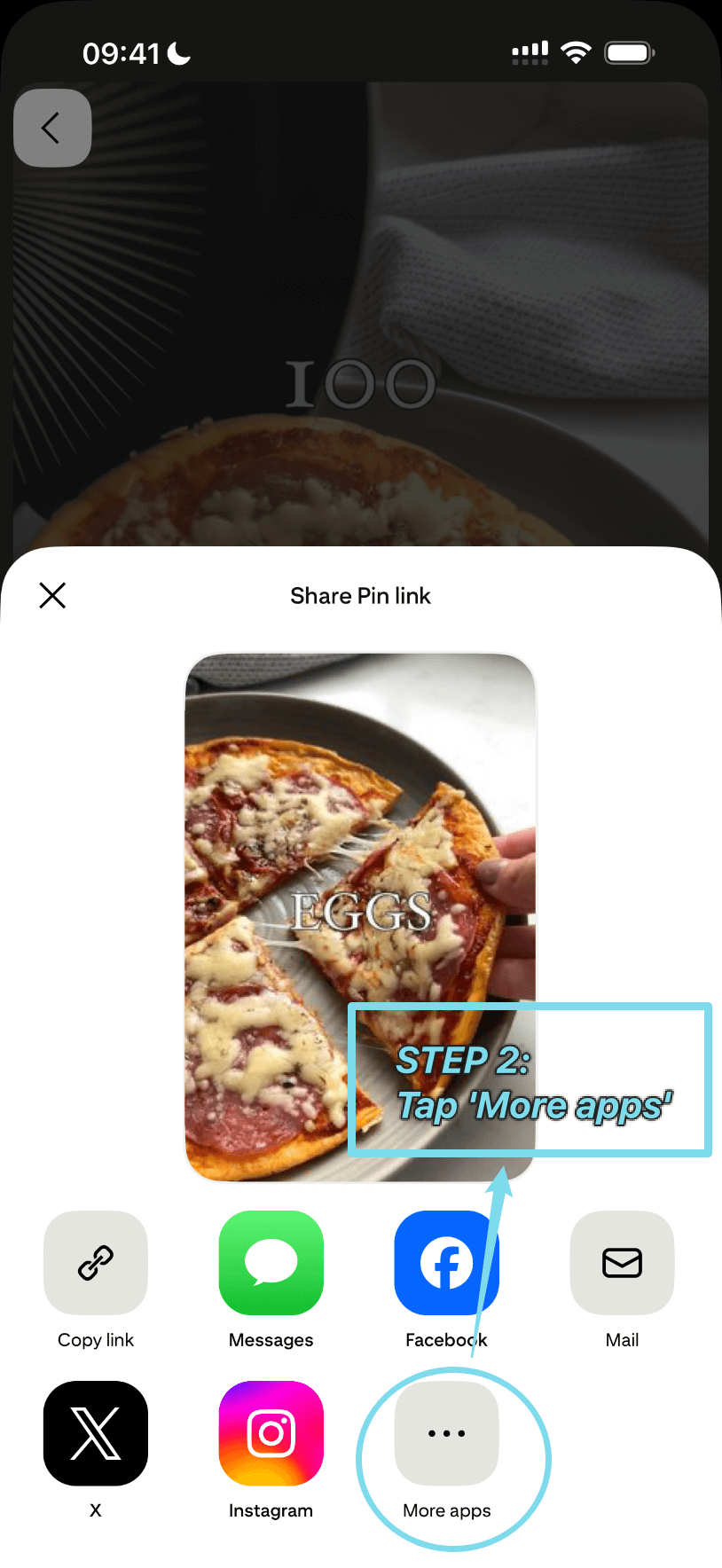
步骤 2:找到更多 App
滑动分享面板,点按“更多应用”查看完整列表。
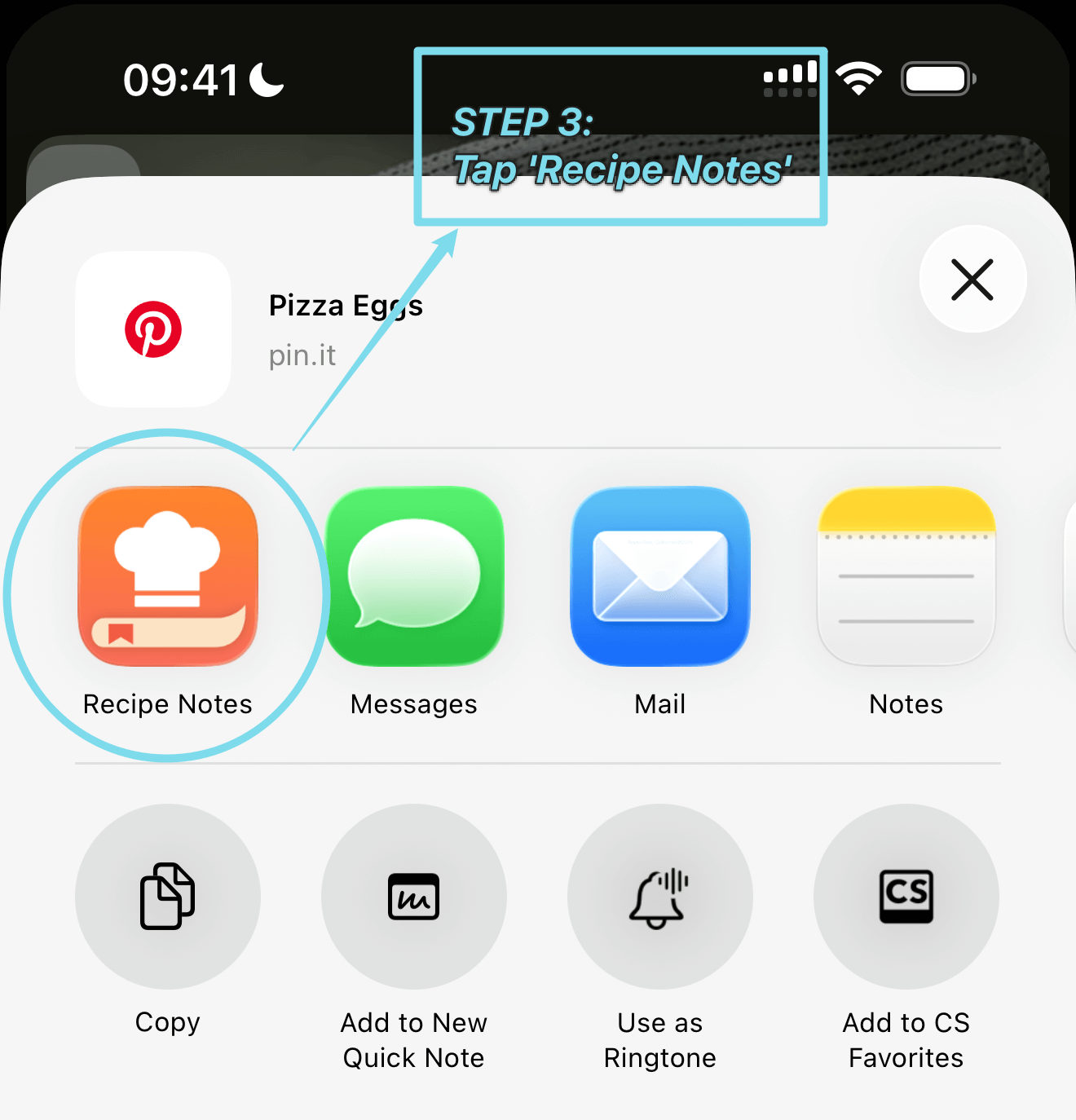
步骤 3:选择 Recipe Notes
从 App 中选择“Recipe Notes”。如果还没有,按照我们的快捷方式指南添加即可。
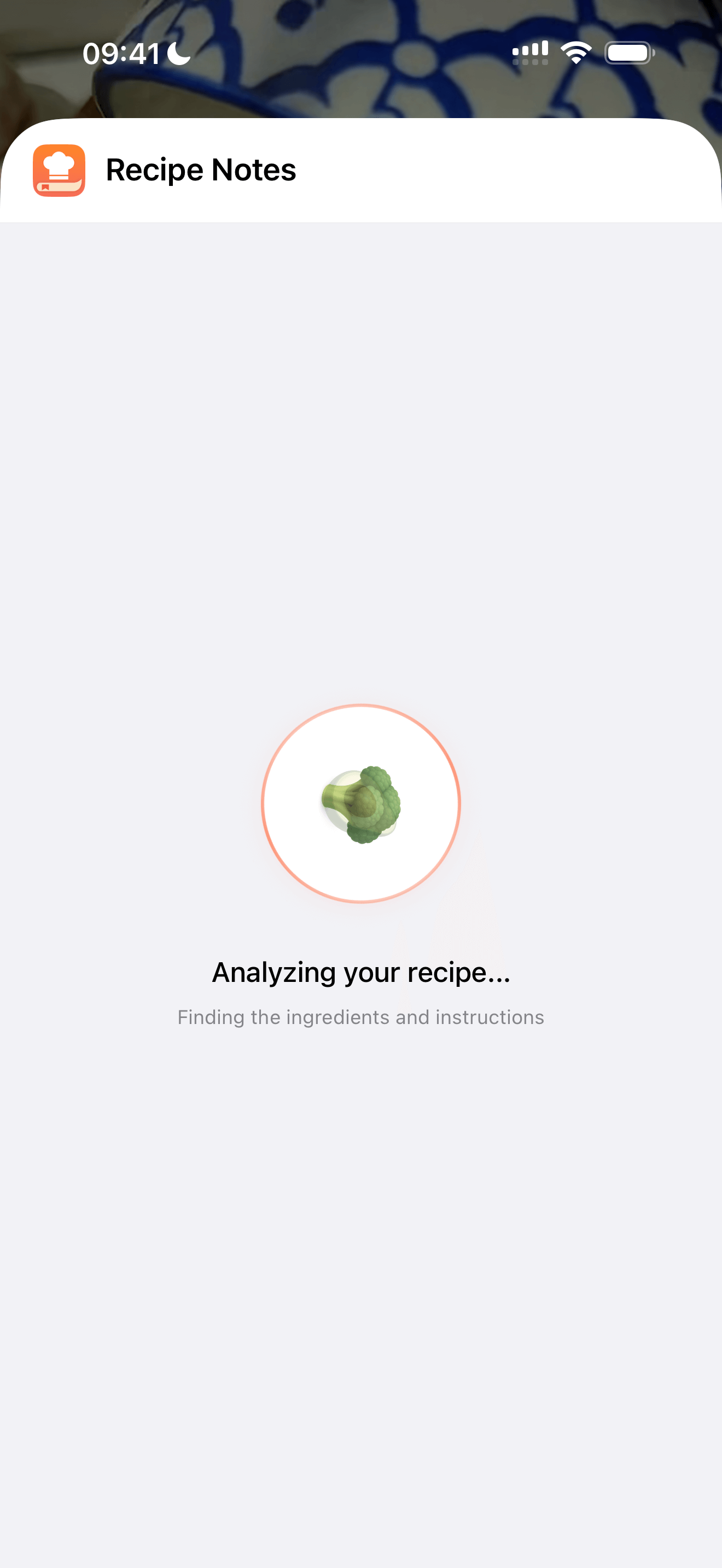
步骤 4:正在分析菜谱
稍等片刻,Recipe Notes 正在收集配料和做法——通常只需一会儿。
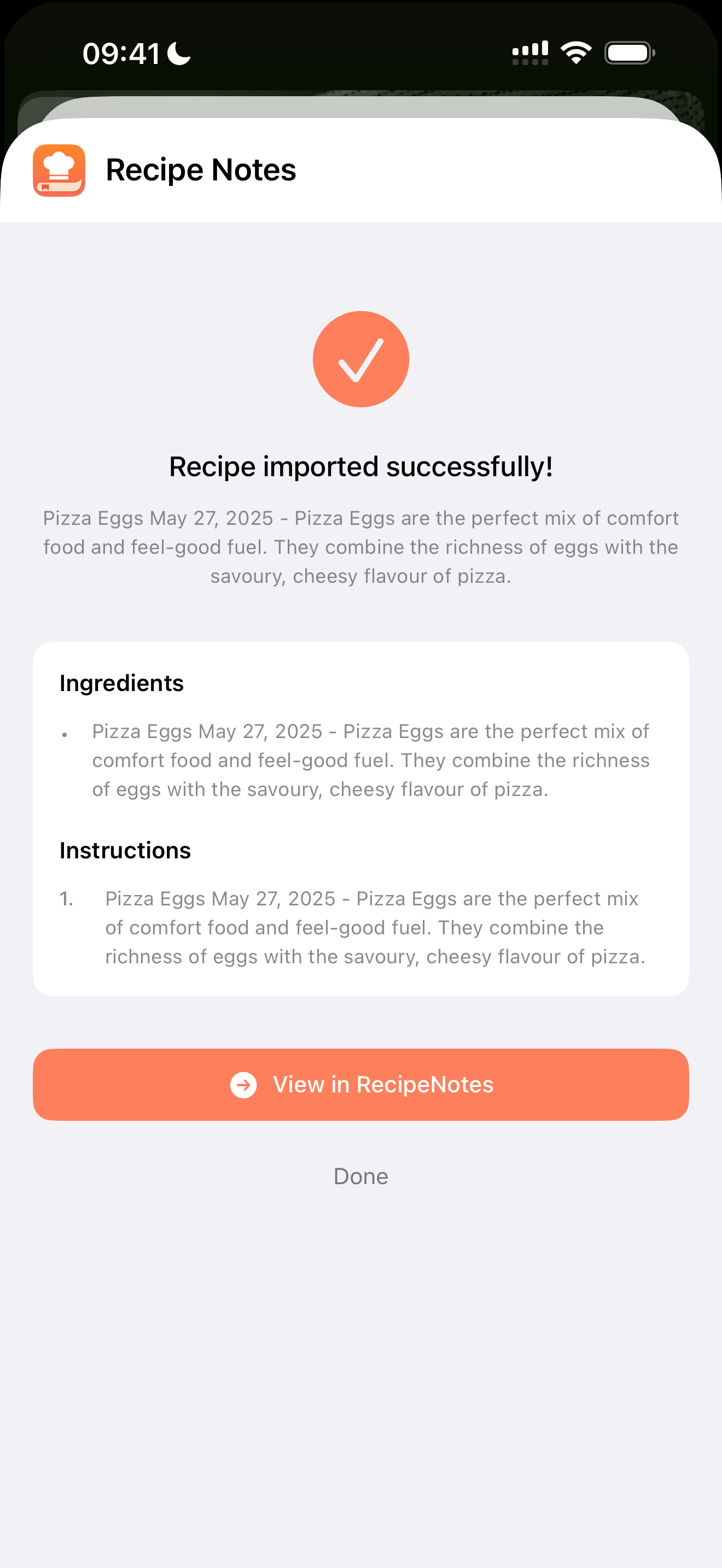
步骤 5:大功告成!
全部搞定!关闭该页面,或进入 Recipe Notes 查看已收藏的菜谱。
几秒内把 Pinterest 上发现的任何菜谱存进 Recipe Notes。
打开你想保留的 Pin,点按“分享”图标查看选项。
滑动分享面板,点按“更多应用”查看完整列表。
从 App 中选择“Recipe Notes”。如果还没有,按照我们的快捷方式指南添加即可。
稍等片刻,Recipe Notes 正在收集配料和做法——通常只需一会儿。
全部搞定!关闭该页面,或进入 Recipe Notes 查看已收藏的菜谱。